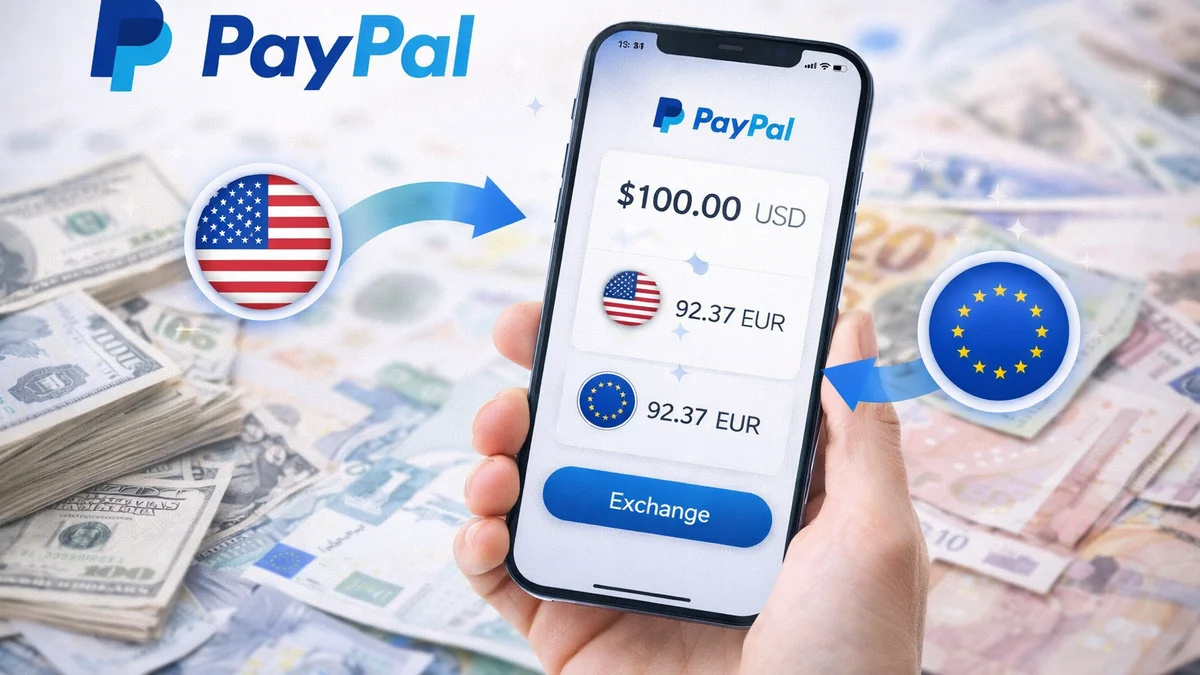
PayPal is a brilliant and secure invention, but it has a hidden feature that literally drains thousands from Hungarian shoppers’ pockets with every foreign order. This is none other than automatic currency conversion. This guide reveals the stark truth about PayPal’s exchange rates and the one trick you can use during a purchase to save your money.
The Big Trap: What is the PayPal Currency Conversion Fee?
When you shop on AliExpress, eBay, or any foreign webshop and pay in dollars (USD) or euros (EUR), but your bank card is HUF-based, the money needs to be converted. By default, PayPal “generously” offers to convert your forints for you, so you immediately see the HUF amount on screen.
The problem is that PayPal never uses the official mid-market exchange rate, nor your bank’s rate. They use their own, brutally bad exchange rate, which is typically 3.5 – 4% more expensive than the normal market rate. For a $100 purchase, this immediately means a hidden loss of one to two thousand forints, which can add up to a huge sum over the years.
How to Avoid It? The Setting During Purchase (The Most Important Step!)
Previously, in PayPal’s settings, you could check a box to prevent them from ever converting your money. Since they lost a lot of money on this, they discontinued this convenient feature. Today, PayPal is tricky: with every single payment, you need to be vigilant at the last minute and manually change the conversion.
Here’s how to do it step-by-step when you’re about to pay in the PayPal window:
- 1. Don’t hit the pay button immediately! When the PayPal payment confirmation window appears, you’ll see the total amount displayed in forints (HUF). This is a red flag: it means PayPal wants to convert at its own bad exchange rate.
- 2. Find the currency conversion option: Below the price (or next to your card details), look for a small link. It’s usually called: “View currency conversion options” (Devizaváltási lehetőségek megtekintése), or you simply need to click on the displayed exchange rate itself.
- 3. Switch to your card issuer: In the pop-up window, you’ll see two options. One is “Convert with PayPal” (Váltás a PayPallal – forget about this!). The other option is “Convert with card issuer” (Váltás a kártyakibocsátóval), or it might be phrased as “Pay in USD” / “Pay in EUR” (Fizetés az eredeti devizában). Always choose this one!
- 4. Finalize: Once you’ve selected this, the amount to be paid on screen will change to the original currency (e.g., 100 USD). Now you can click the pay button.
What happens then? PayPal won’t touch the exchange rate; it will simply deduct $100 from you. Your own Hungarian bank will then convert this $100 charge into forints at its own, much more favorable daily currency selling rate. An even better solution is to link a Revolut or Wise card to PayPal; this guarantees the deduction happens at the best possible mid-market exchange rate.
What if you RECEIVE money on PayPal?
You can manage online purchases with the trick above, but the stark reality is that if you sell something or receive a refund in, say, dollars, and want to withdraw it to your Hungarian forint bank account, it’s almost impossible to avoid PayPal’s rip-off. PayPal will only transfer money to a Hungarian user’s Hungarian bank account in forints, naturally at its own, extremely poor exchange rate.
The only way out: If you regularly receive foreign currency, it’s worth opening a multi-currency account (e.g., Wise) and adding its foreign (e.g., Belgian or American) account number (IBAN) to PayPal. This way, you can withdraw dollars as dollars and euros as euros, and only then convert them to forints at Wise’s favorable exchange rate. (Note: PayPal’s customer service often tries to prevent this, but with enough persistence, you can have them set the attached card’s base currency to something other than HUF.)
In summary: PayPal’s buyer protection is irreplaceable, but never let them convert your money. When purchasing, always switch the payment to the original currency (Convert with card issuer), and spend the money you save on something more useful instead!